


A whole new way to review media, track progress, and keep projects moving forward.
Unlimited users. Unlimited projects. Unlimited review links.
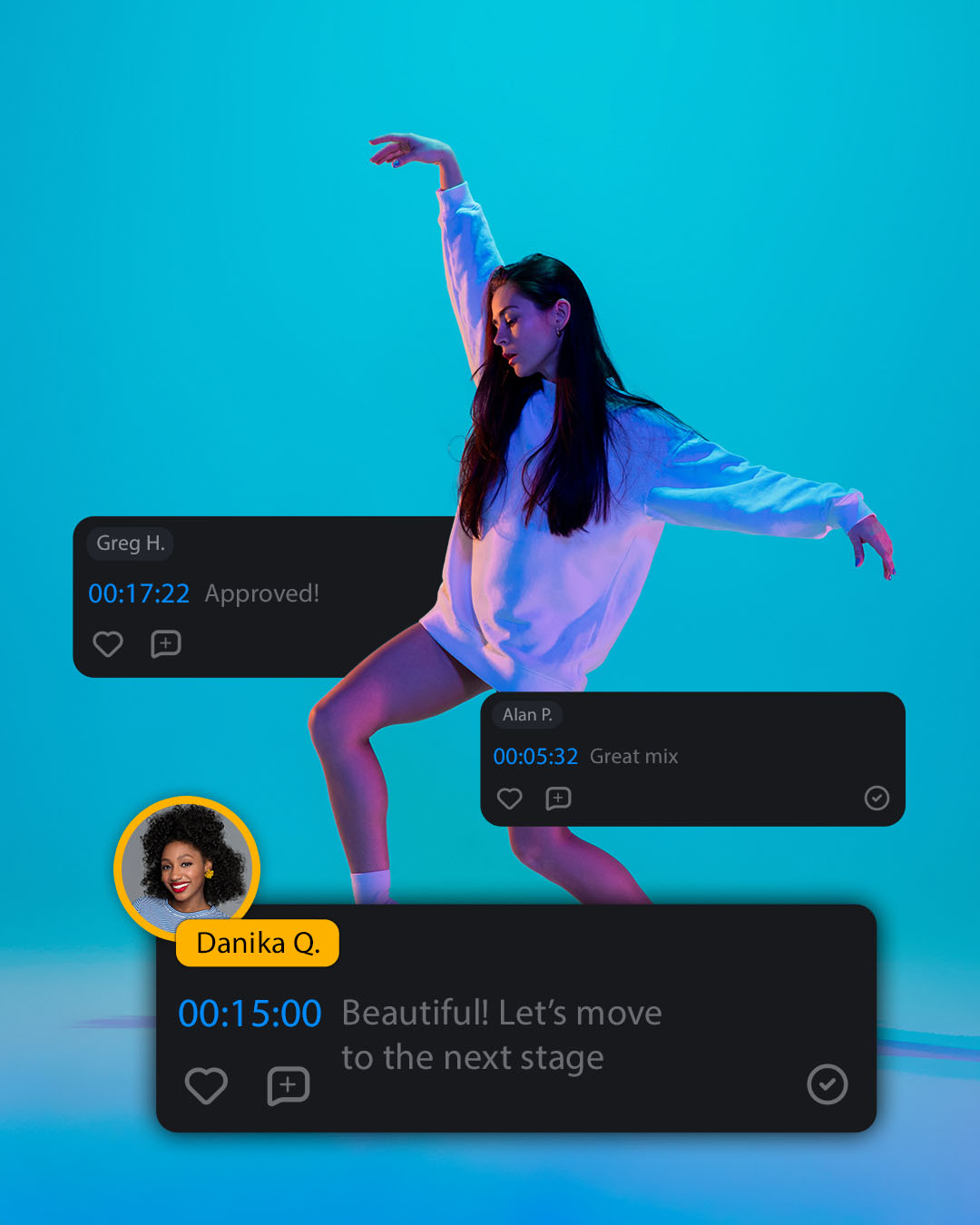
Video reviews made easy
If anything is guaranteed in video production, it’s that there will be notes on the rough cut. And the next. And the next.
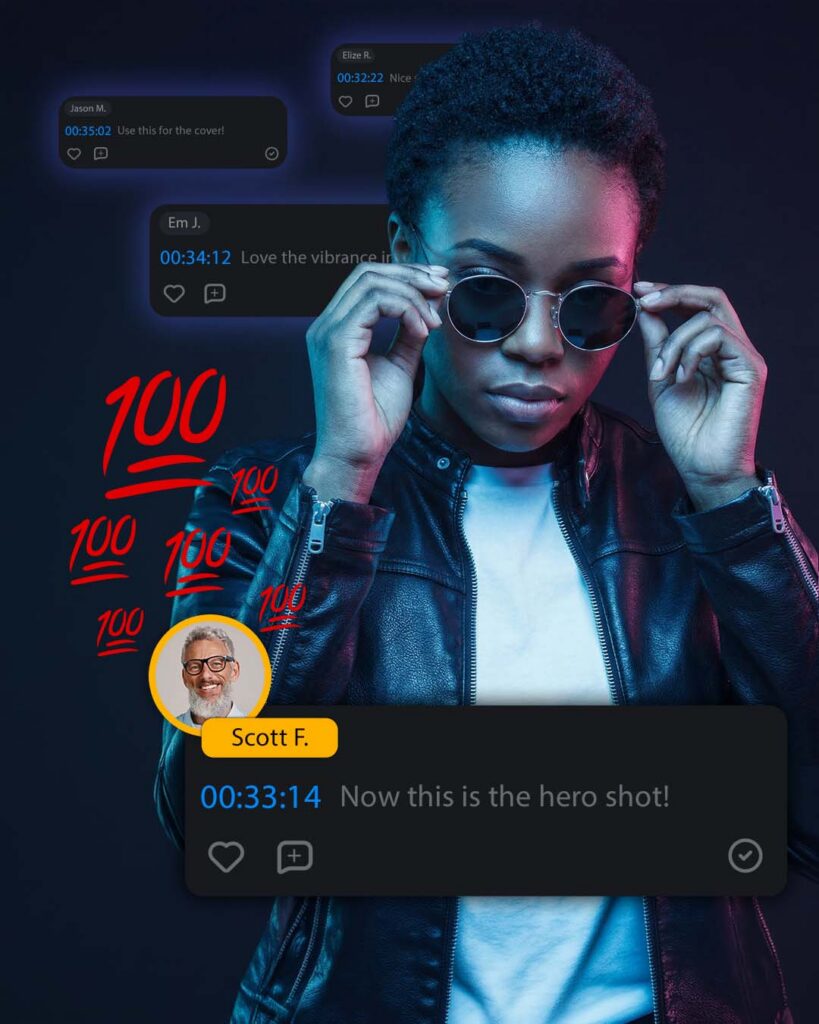
Video review cycles don’t need to be painful. With Outpost, you can send media to anyone—internal or external to your organization—and get actionable feedback when you need it most.
Unlimited users, projects, and review links
Creativity is collaborative. Outpost comes with unlimited users, so you can invite everyone to participate in the creative process (or as many people as you want).
Outpost also includes unlimited active projects and unlimited review links up to included capacity. And with the way we’ve built proxies into the workflow, you can do much more collaborating, with much less capacity.
How it works
Send media, get feedback.
Simple and elegant by design, here’s what’s happening behind the scenes.
When you send a file for review, that media is first transcoded into a cloud-optimized proxy file, then shared to Outpost in the cloud.
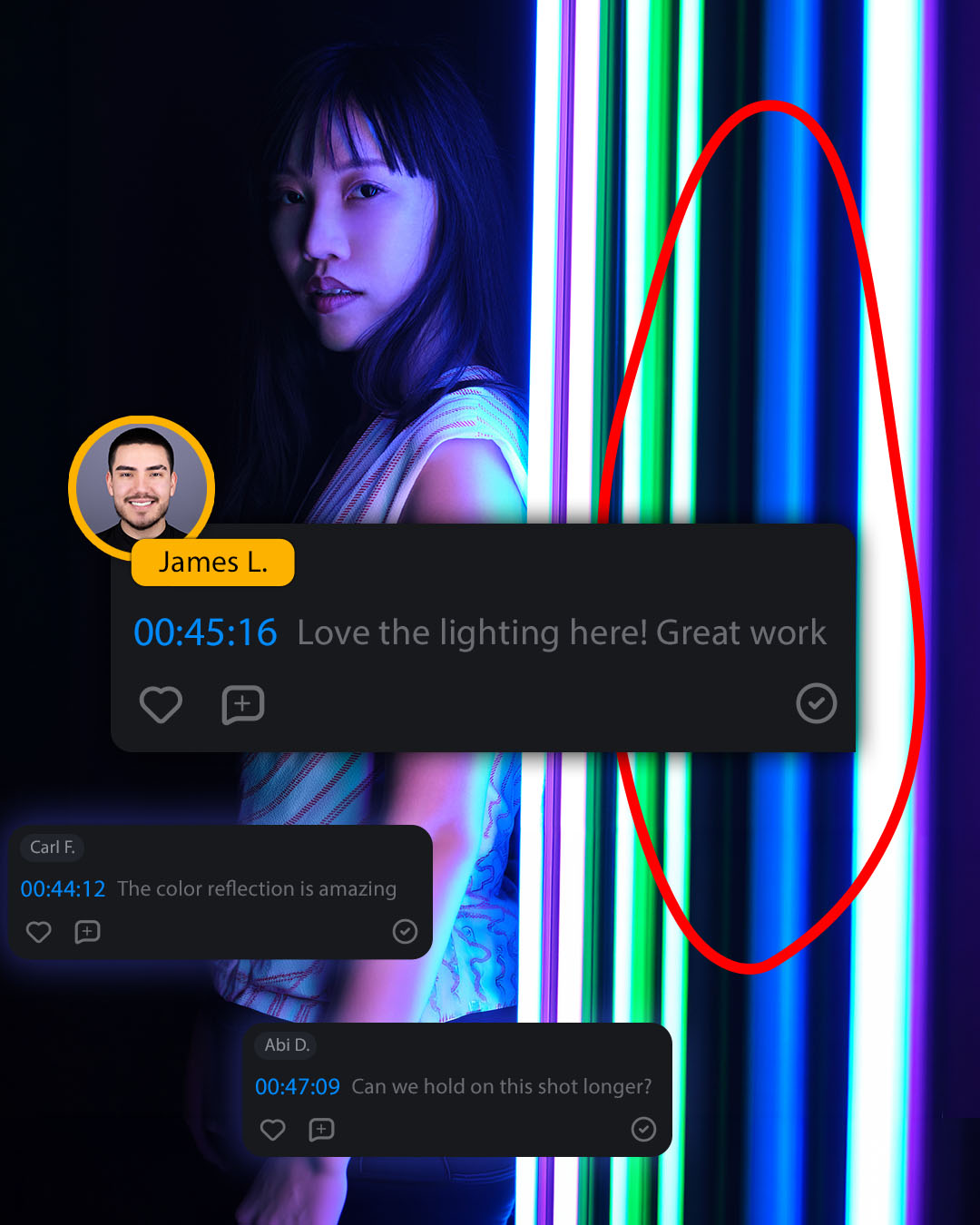
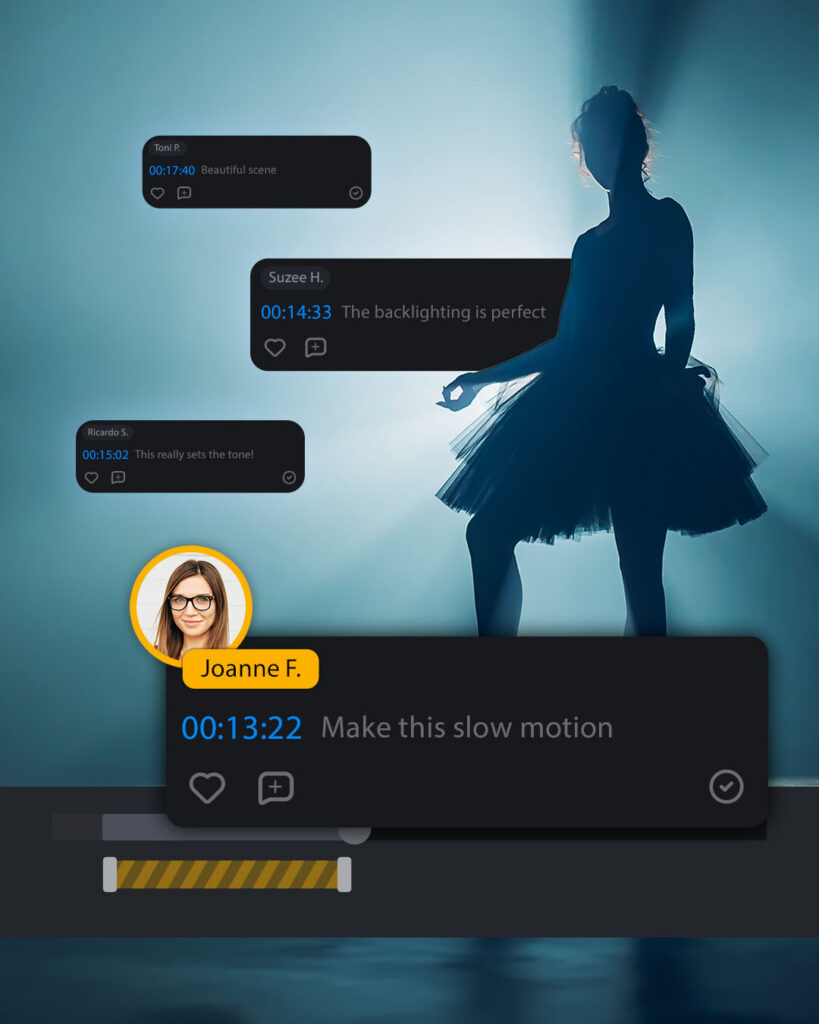
Automated email notifications keep everyone on the same page. As comments come in, you can mark feedback complete, reply to a question, or like a comment. After all, collaboration is a two-way street.
Get feedback right where you work
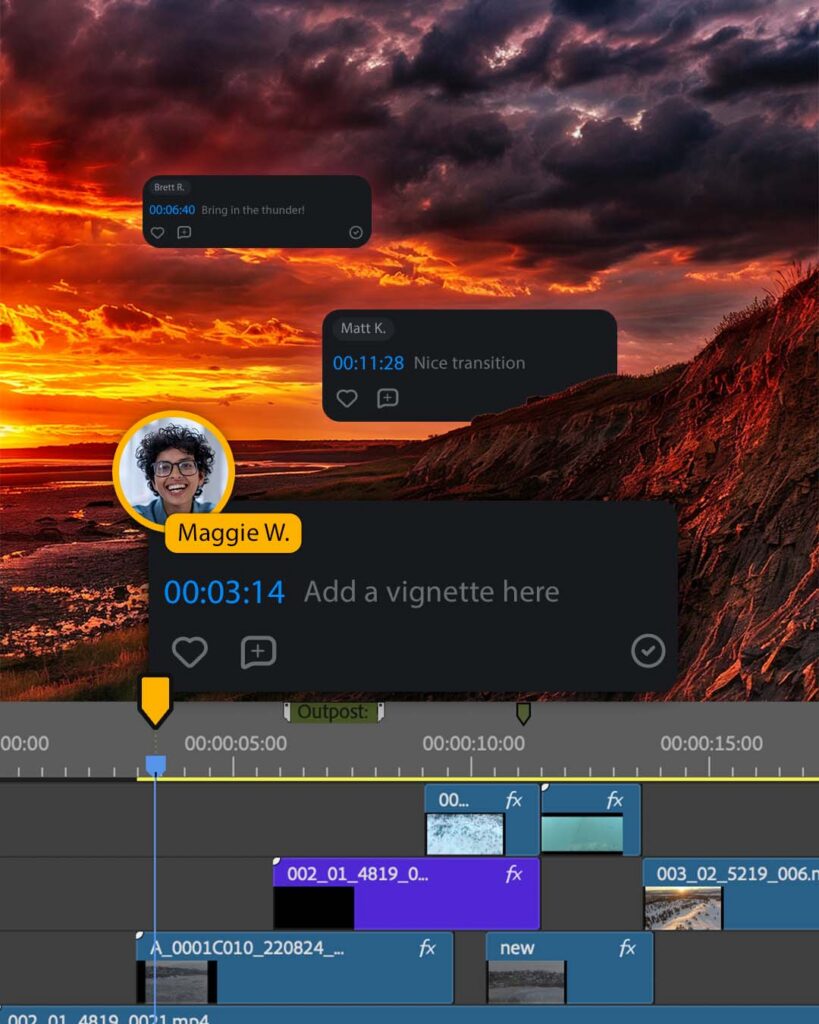
Built for real production workflows, Outpost integrates with Adobe Premiere and the award-winning EVO Suite.
Adobe users can send media to the review team, view and respond to comments on their timeline, and make the requested changes all without leaving Premiere.
Not using Premiere? Send files directly from ShareBrowser MAM. Your full-resolution original remains securely on EVO, while a review-optimized proxy is shared with your collaborators.
Accelerate your video review and approval process
Move from edit to approval faster with these features included.

Unlimited users
Unlimited users can share review links with internal and external reviewers. No VPN required.

Link to download
Recipients can download shared files, without requiring access to your EVO server.

On-screen markup
Don’t just say what you mean—show it! Circle, highlight, or draw on screen for added clarity.

Ranged comments
Mark in and out points to leave feedback on a segment of a video.

Emoji 😍
Bring a little fun and flair to your review process.

Keyboard shortcuts
Convenient shortcuts like J/K/L help reviewers pause, play, and scrub through content, faster.

Watermarking
Automatically add a custom watermark image to video review links sent from ShareBrowser.

Photo and Video
Outpost works with both image and video files.

Mobile ready
Review media on mobile, tablet, and desktop devices—no app needed. Major browsers supported.

View in full screen
Review video and image files in full screen. Add your comments without resizing.

Speed up playback
Change playback speed to slow down or speed up your review.

Reviewed by me
See who else has reviewed the file, and let the team know when your review is complete.
Outpost wins Best of Show
Best AV Technology Solution at NAB Show
Recognized for its innovation in cloud-based global collaboration and real-world impact on accelerating review and approval workflows for creative teams, Outpost won AV Technology’s Best of Show award at NAB Show 2026.

Now available
Only $99/month!
Outpost is available to EVO customers for just $99 per month, for a limited time only.*
Contact us to place an order today.
- Unlimited users included
- Adobe Premiere integration included
- EVO Suite integration included
- Support included
*Introductory offer valid for new and existing EVO customers. $99 per month billed annually. Default 500GB included per account.
Get to final, faster
Unlimited users. Unlimited potential.
Get a demo, place an order, or ask us anything.
Frequently asked questions
How many users can send media in Outpost?
Outpost includes unlimited users, so you can invite anyone you want to share and review media.
How does Outpost work with EVO?
Outpost is natively integrated in the EVO user experience. From ShareBrowser MAM, where editors manage their media, you can selectively send files to Outpost for review. Those files are processed through Slingshot for transcoding, adding any applicable watermark to the proxy file and optimizing it for review. Once the file is processed, the link is automatically emailed to the intended recipients and accessible in the metadata pane within ShareBrowser.
How does Outpost work with Adobe Premiere?
With Outpost’s Premiere plug-in, editors can send media out for review, publicly or privately, and receive feedback directly on their editing timeline.
How many projects can I upload to Outpost.cloud?
Unlimited projects and review links are included up to the default 500GB capacity per Outpost account. Media is automatically transcoded into lightweight proxy files on its way to Outpost, so default capacity will be perfect for most workflows. Additional capacity may be purchased if you require more than what’s included.
Can I send private links for review?
Yes, Outpost allows you to choose whether a link is public or private. Private links are only accessible to invited recipients confirmed via SSO or email authentication. Public links can be viewed by anyone with the link.
How does watermarking work?
Watermarking is built into the transcoding process, so when you send media from ShareBrowser to Outpost, you can optionally add a custom watermark to the proxy file before it is sent to your reviewers. This is included for both public and private links in Outpost.
What if I don’t have a lot of users?
No problem! Outpost is built for teams of all sizes. Even if you don’t need unlimited seats now, you can take solace in the fact that your growth won’t cost you more in the future. In the meantime, enjoy more direct feedback in an intuitive and elegant workflow.
Can I get a discount?
Outpost is available to EVO customers for just $99/month, billed annually. If you visited the SNS booth at NAB Show 2026, mention the promo code you received via email for a special discount.
Have more questions? Let’s talk.
Contact us for a live demo and workflow consultation.